
My supply chain
All desired information of all shipments in one total overview
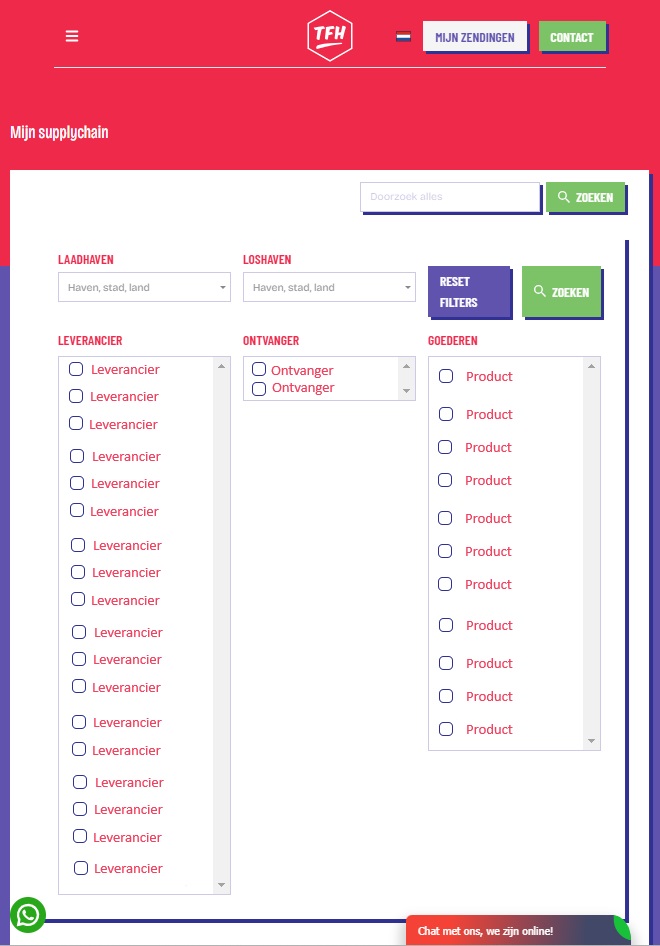
In addition to consulting the status of a specific shipment, The Freight Hero also offers you overviews of multiple shipments. With the information you consider important to have presented. In My supply chain you can obtain an overview on the basis of filtering on:
- Port of loading
- Port of discharge
- Supplier
- Recipient
- Goods
Further refinement
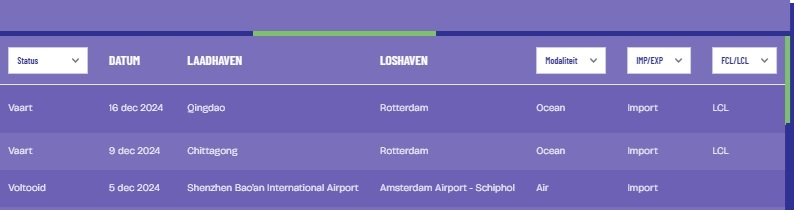
After filtering on port of loading, port of discharge, supplier, recipient and/or goods, further filtering can be done on the basis of multiple selection criteria. This further refinement can be made on the basis of the:
- Status:
- Status (all)
- Pre-booking
- Transport
- Port of discharge
- Delivered
- Completed
- Modality (Air / Ocean)
- Import/Export
- FCL/LCL
Exporting
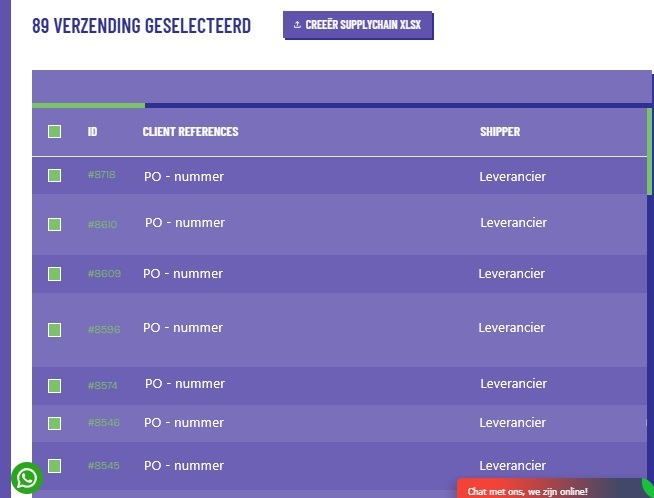
By very simply ticking the shipments (ticking the box green), you can download your final overview as an export file. The data is written to an XLSX file. This is a well-known Excel standard from Microsoft Office, which makes use of open XML standards. The XLSX file is suitable as an import file for all existing business software packages. It is an ideal possibility to import the information you want into, for example, your own Warehouse Management System.
Tailor Made
Let your contact person at The Freight Hero know which information you consider important to find in the overviews. The Freight Hero then adds the information into the shipments. Information that is often requested is:
- Customer reference (PO number)
- Shipper
- Invoice number of the supplier
- Booking date
- Cargo ready date
- Needed date
- Closing date
- ETD/ATD
- ETA/ATA
- Current CBM
- Current KGs
- Purchase
- Import duties
- Transport costs
- Customs value
- Incoterm
- HS Codes
- Invoice number
- Invoice status (paid/unpaid)